FeaturesTemplatesResume Examples Cover Letter ExamplesATS Checker Cover LettersCompare BlogPricingFAQAbout Build my resume — free
EnglishEspañol
Log in
For iPhone & iPad

The resume app for iPhone

Build, score, and export an ATS-ready resume right on your iPhone or iPad. Sign in with Apple, write with AI, tailor to any job, and share your PDF through the iOS share sheet — 100% free to start.
★★★★★ 4.8 · loved by 1240+ job seekers
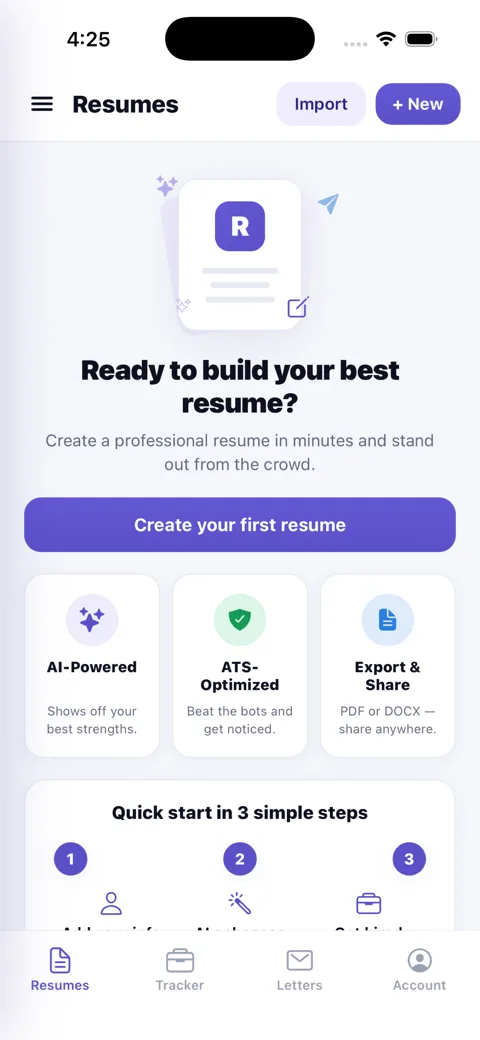
Build and manage resumes in the ResumesKey app
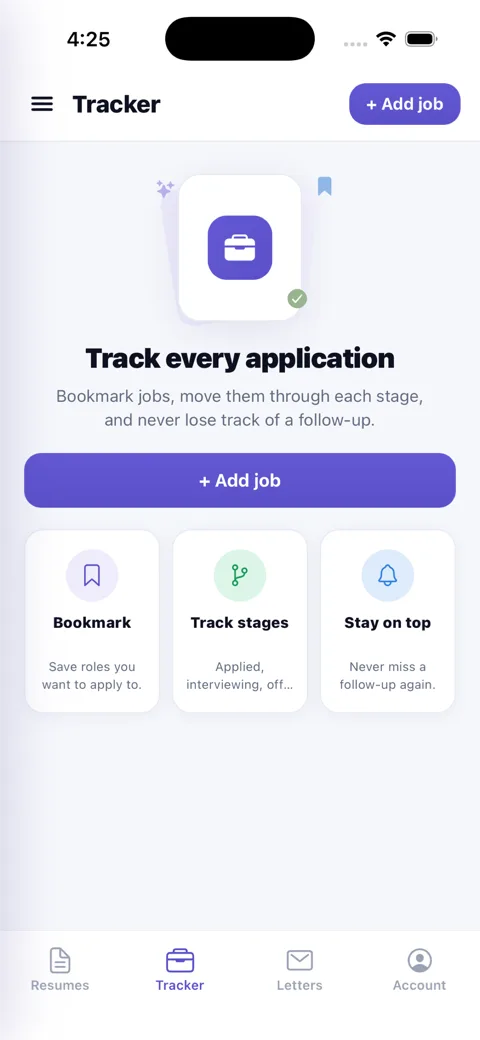
Track every job application in the ResumesKey app
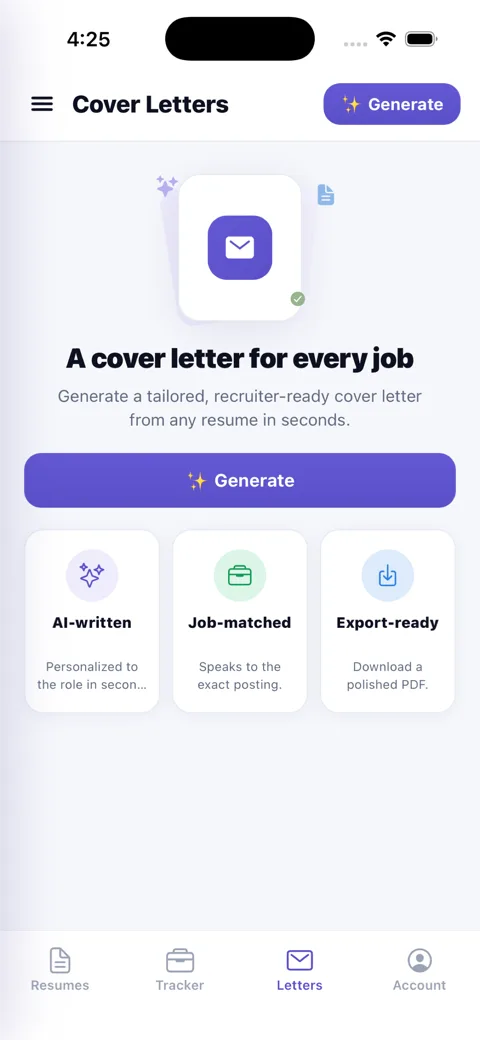
Generate tailored cover letters in the ResumesKey app

Made for iPhone & iPad

🍎

Sign in with Apple

Create an account with Face ID or Touch ID — no password to remember, private by default.

📁

Export to Files & AirDrop

Share your PDF or DOCX through the native iOS share sheet — Files, AirDrop, Mail, or Messages.

📱

iPhone + iPad, one app

A universal app that looks great on iPhone and expands to a roomier editor on iPad.

🎯

Live ATS score

Your ATS pass-rate and recruiter-impact score update as you type — right on device.

AI in your pocket

Generate bullets, summaries, and a full cover letter with a tap.

☁️

Syncs with the web

Same account as app.resumeskey.com — start on iPhone, finish on your laptop.

How to download ResumesKey on iPhone

Open the App StoreTap the App Store on your iPhone or iPad and search for “ResumesKey”, or use the App Store button above.
Tap Get to installDownload is free — confirm with Face ID / Touch ID. No credit card required.
Sign in with Apple & buildOpen the app, sign in with Apple (or Google/email), and build your first ATS-ready resume in minutes.

Frequently asked

Is ResumesKey on the App Store?
Yes — ResumesKey is free on the App Store for iPhone and iPad. Search “ResumesKey” or tap Download, and sign in with Apple or email.
Does the resume app work on iPad?
Yes. The same app runs universally on iPhone and iPad, with a roomier layout on iPad — ideal for editing and previewing your resume on a bigger screen.
What iOS version do I need?
ResumesKey runs on current iPhones and iPads (iOS 15 and later). If you can install from the App Store, you can run ResumesKey.
Can I sign in with Apple?
Yes — Sign in with Apple is fully supported, so you can create an account with Face ID / Touch ID and no password. Google and email sign-in work too, and it’s the same account across iPhone, iPad, and the web.
Can I export my resume to Files or email it from my iPhone?
Yes. Export a recruiter-ready PDF (or Word/DOCX with an unlock) and share it straight through the iOS share sheet — save to Files, AirDrop, email, or Messages.
Is the iPhone app free?
Yes — building, live ATS scoring, AI writing, and a free PDF download cost nothing. A one-time $5 unlock or $9 Job Pass removes the watermark and adds DOCX. Any subscription is billed through your Apple ID and cancellable in Settings.

Get ResumesKey on your iPhone

Free on the App Store — build an ATS-ready resume from your phone in minutes.

Get started free