FeaturesTemplatesResume Examples Cover Letter ExamplesATS Checker Cover LettersCompare BlogPricingFAQAbout Build my resume — free
EnglishEspañol
Log in
For Android

The resume app for Android

Build, score, and export an ATS-ready resume on your Android phone, tablet, or Chromebook. Google Sign-In, AI writing, one-tap tailoring, and PDF export you can share anywhere — free to start on Google Play.
★★★★★ 4.8 · loved by 1240+ job seekers
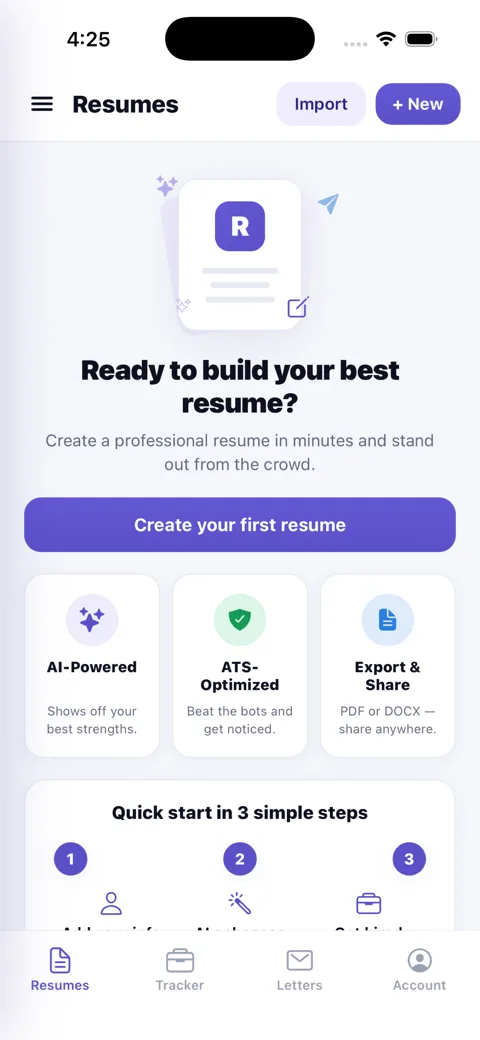
Build and manage resumes in the ResumesKey app
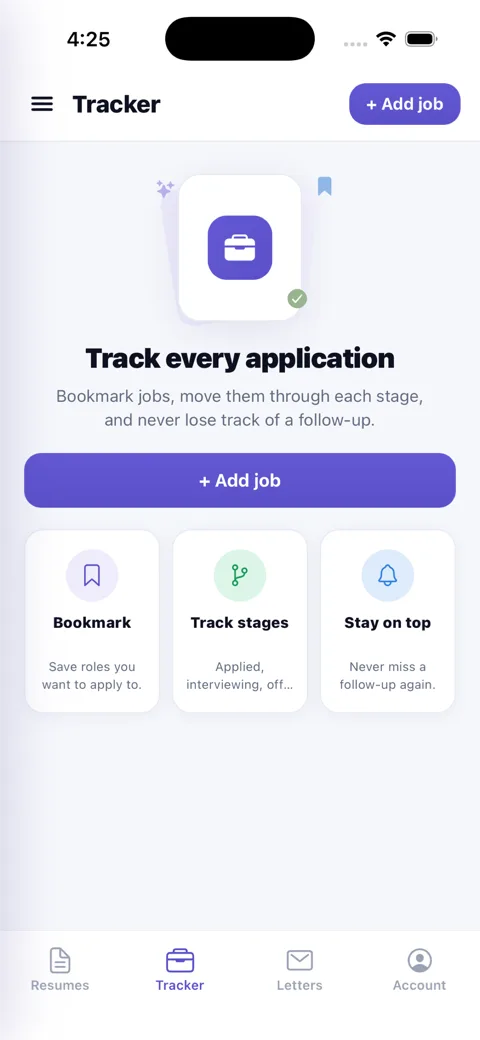
Track every job application in the ResumesKey app
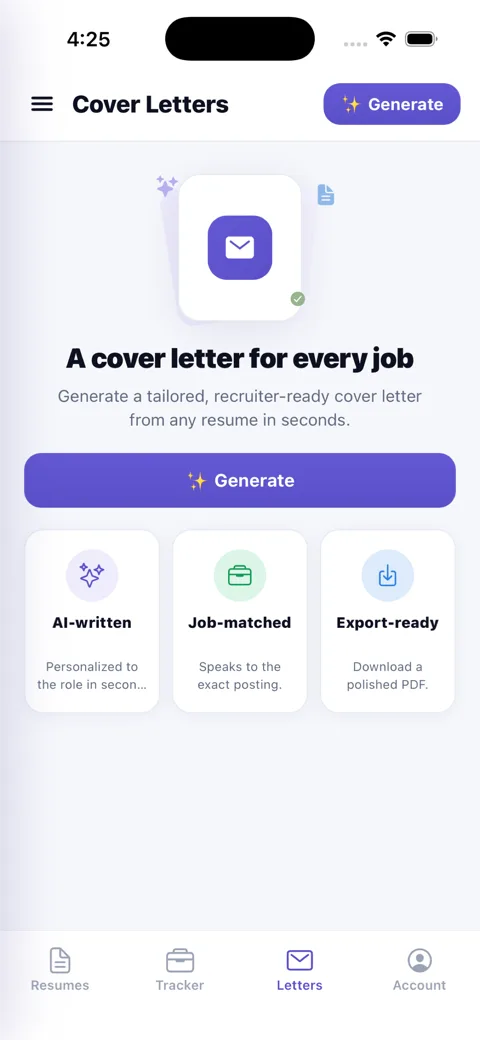
Generate tailored cover letters in the ResumesKey app

Built for Android

🟢

One-tap Google Sign-In

Create your account with Google in a tap — or use email. Same account on every device.

💾

Save & share anywhere

Export a PDF or DOCX and share it via the Android share sheet — Drive, Gmail, WhatsApp, or save to your files.

🖥️

Phones, tablets & Chromebooks

A responsive layout that scales from your phone to an Android tablet or Chromebook.

🎯

Live ATS score

Watch your ATS pass-rate and recruiter-impact score update as you edit — on device.

AI writing built in

Generate quantified bullets, a summary, and a full cover letter in seconds.

☁️

Syncs with the web

The same account as app.resumeskey.com — pick up where you left off on any screen.

How to install ResumesKey on Android

Open Google PlayOpen the Play Store on your Android phone, tablet, or Chromebook and search “ResumesKey”, or use the Google Play button above.
Tap InstallIt’s free — no credit card. The app downloads in seconds.
Sign in with Google & buildOpen ResumesKey, sign in with Google (or email), and build your first ATS-ready resume with AI.

Frequently asked

Is ResumesKey on Google Play?
Yes — ResumesKey is free on Google Play for Android. Search “ResumesKey” or tap Install, and sign in with Google or email.
Does the resume app work on tablets and Chromebooks?
Yes. ResumesKey runs on Android phones and tablets, and on Chromebooks that support Android apps — with a larger editing layout on bigger screens.
What Android version do I need?
ResumesKey supports current Android devices (Android 8.0 and later). If Google Play lets you install it, you’re good to go.
Can I sign in with Google?
Yes — one-tap Google Sign-In is built in, plus email sign-in. It’s the same account across Android, the web, and iOS, so your resumes and tracker sync everywhere.
Can I save my resume as a PDF on my Android phone?
Yes. Export a recruiter-ready PDF (or Word/DOCX with an unlock) and save it to your device or share it to Drive, Gmail, WhatsApp, or any app through the Android share sheet.
Is the Android app free?
Yes — building, real-time ATS scoring, AI writing, and a free PDF download are free. A one-time $5 unlock or $9 Job Pass removes the watermark and adds DOCX. Subscriptions bill through Google Play and cancel anytime.

Get ResumesKey on Google Play

Free for Android phones, tablets & Chromebooks — build an ATS-ready resume in minutes.

Get started free